
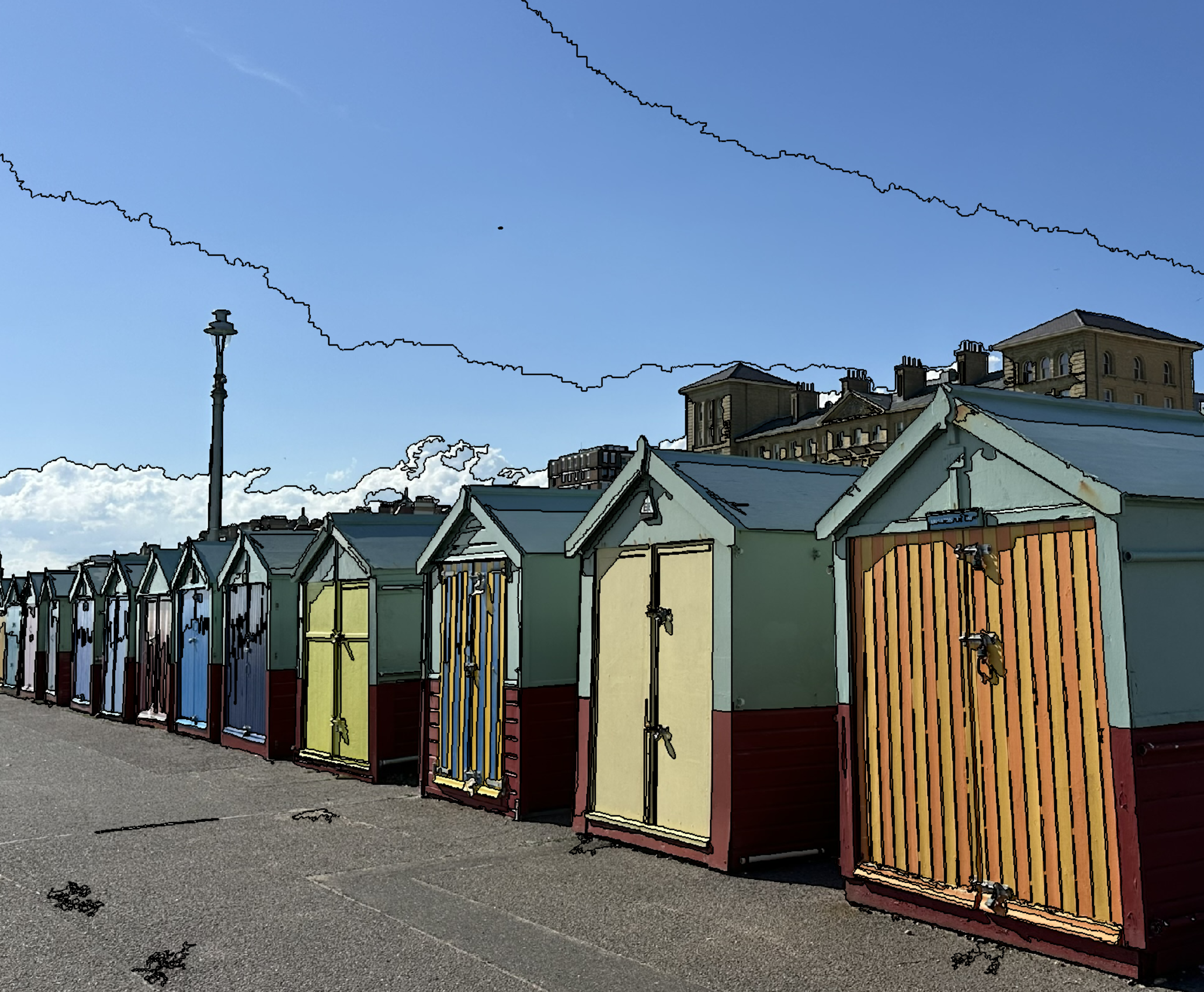
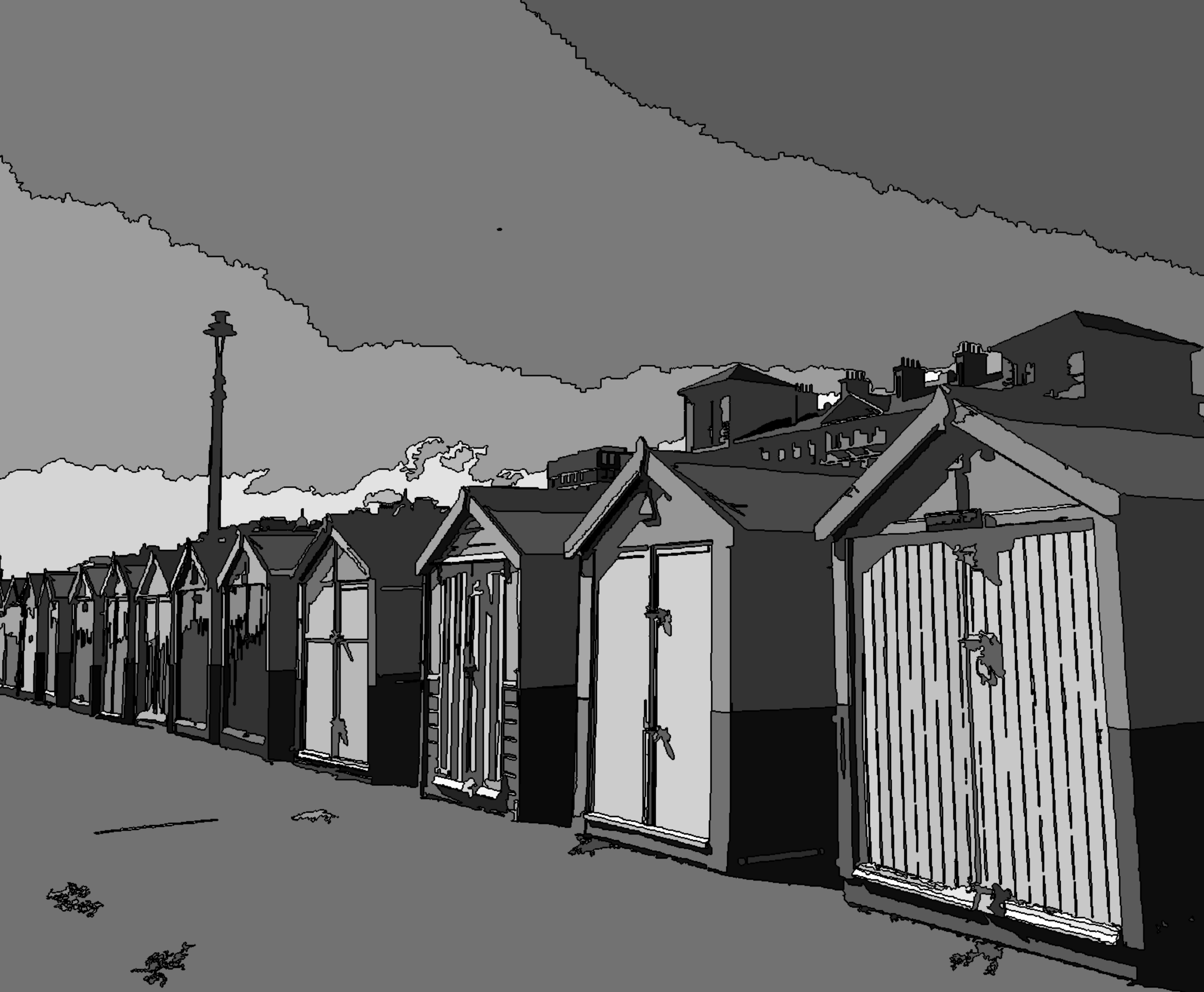
This algorithm merges neighboring pixels or image objects according to their mean image layer intensity values. They are merged if the difference between their layer mean intensities is below the value given by the maximum spectral difference.
If this algorithm is applied to image objects it can be used to refine existing segmentation results, by merging spectrally similar image objects produced by previous segmentations.
Supported Domains
Pixel level; Image Object Level
Level Settings
Level Name
Define the Level Name of the image object level to be created. (Not available if you use the current image object level.)
Overwrite existing level
This parameter is only available for domain pixel level: deletes an existing image level above the pixel level and replaces it with a new level created by the segmentation.
Level Usage
Define the image object level to be used: the current one or a new one to be created above the current (available for domain image object level).
Segmentation Settings
Maximum Spectral Difference
Define the maximum spectral difference in gray values between pixels or image objects that are used during the segmentation. If the difference is below this value, neighboring pixels or objects are merged.
Parameters
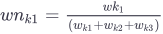
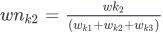
 are the normalized layer weights
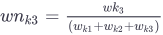
Expression

Image Layer Weights
Enter weighting values – the higher the weight assigned to an image layer, the more weight will be given to that layer’s pixel information during the segmentation process.
You can also use a variable as a layer weight.
Thematic Layer Usage
Specify the thematic layers that are to be considered in addition for segmentation. Each thematic layer used for segmentation will lead to additional splitting of image objects, while enabling consistent access to its thematic information. You can segment an image using more than one thematic layer. The results are image objects representing proper intersections between the thematic layers.